VAT invoices built from approved hours
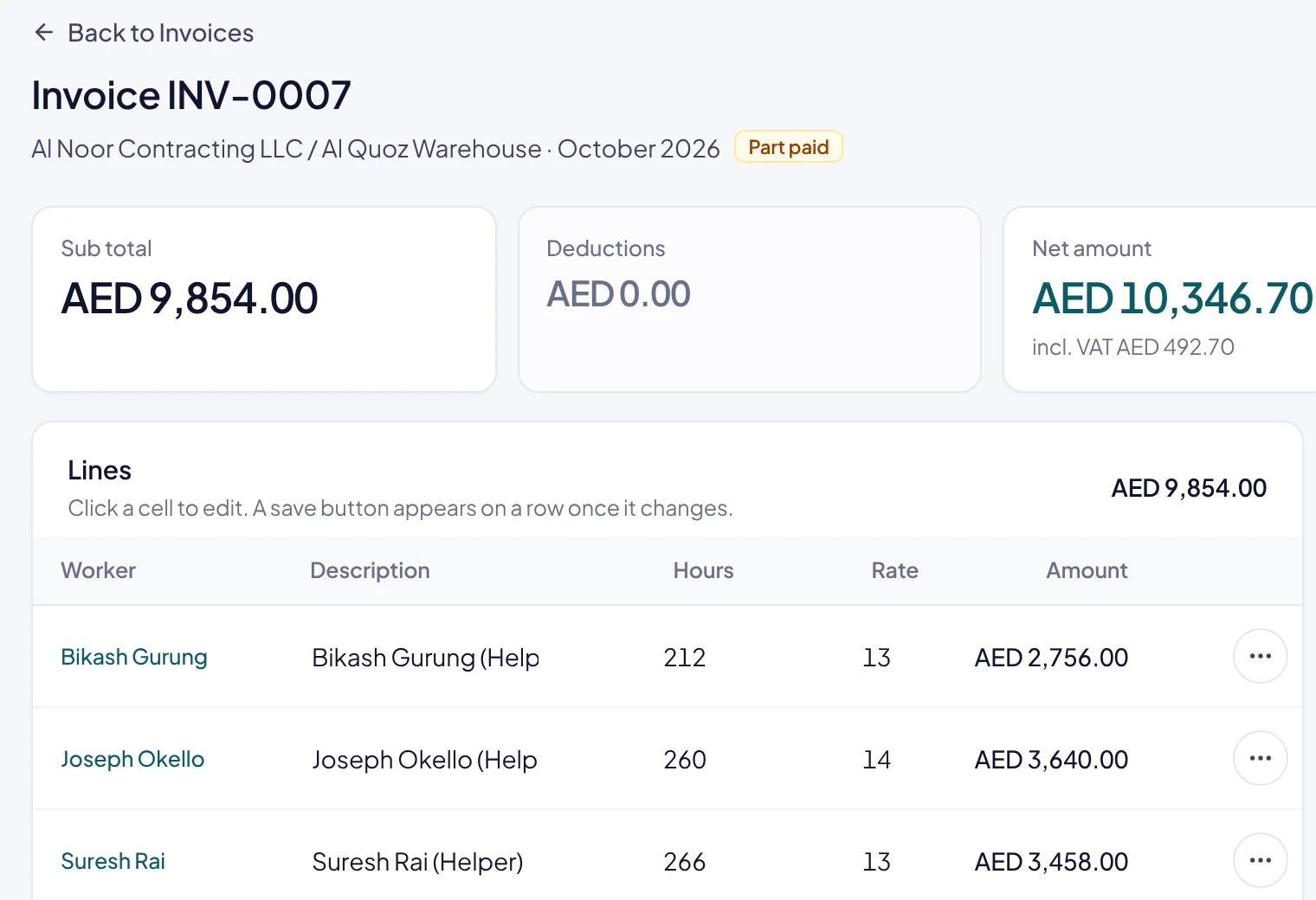
No more retyping attendance into a spreadsheet invoice. Rostiko builds each invoice from the hours you approved, adds VAT and keeps track of every payment against it.
Why it matters for a supply company
Manpower supply invoices are rarely simple: several workers per site, different hourly rates, overtime, agreed deductions and 5% VAT, then payments that arrive in parts weeks later. Typing all of that from attendance is slow and easy to get wrong, and a wrong invoice delays payment. Rostiko builds each invoice from hours you already approved and records every payment against it, so you always know what each contractor still owes.
How it works
VAT invoicing in four steps, inside the same system as everything else
- 1
Approve the timesheet
The billable hours for each worker are settled first.
- 2
Create the invoice
Lines, hourly rates and 5% VAT are filled in from the approved hours.
- 3
Print or send
Your letterhead, TRN, stamp and bank details go on the PDF.
- 4
Record payments
Each payment moves the invoice to part paid or paid automatically.
What you get with Rostiko
Built for how UAE manpower supply companies work
- Tax invoice details
Your TRN and the contractor's TRN, 5% VAT and the totals a UAE tax invoice needs.
- Your brand on every page
Letterhead, stamp, signature and bank details, set once in settings.
- Deductions on the invoice
Add agreed deductions, such as accommodation or absence penalties, as their own lines.
- Who owes what
Receivables aging shows unpaid and overdue invoices by contractor.
Questions about VAT invoicing
Anything else? hello@rostiko.com
Can an invoice be marked paid by hand?
No. Paid and part paid come only from payments you record, so the status always matches the money received.
Can we bill different rates per worker?
Yes. Each worker's hourly rate is set on their site assignment and carried onto the invoice line.
Do invoices show both TRNs?
Yes. Your TRN from company settings and the contractor's TRN from their record.
Can we export invoices?
Each invoice prints to PDF, and reports such as receivables aging download as CSV.
More of Rostiko
See your month end in Rostiko
A 30-minute walkthrough with sample data, or start your free trial today.